
Core guide · Emerging tools
Getting started with Grok Bot and AI agents
What SpaceXAI’s Grok Bot does, how it works alongside Claude, ChatGPT, and your other tools, and how to try new AI agents on real work.
4 min read
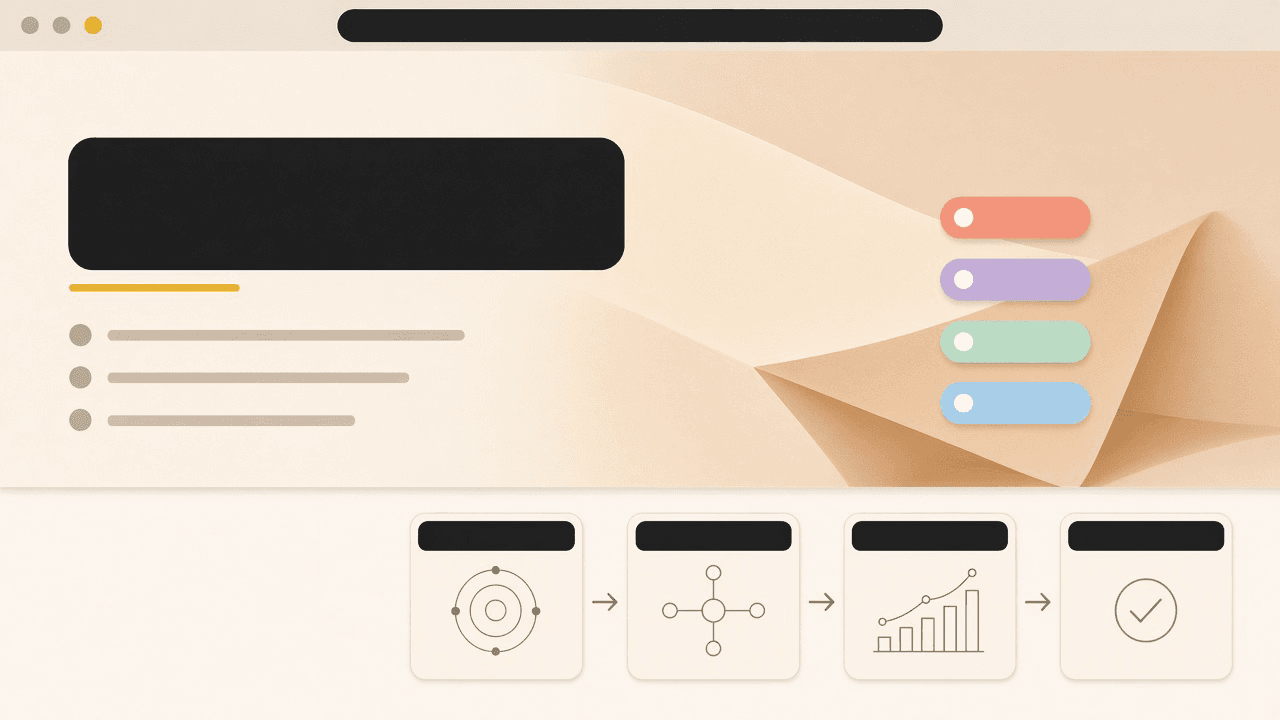
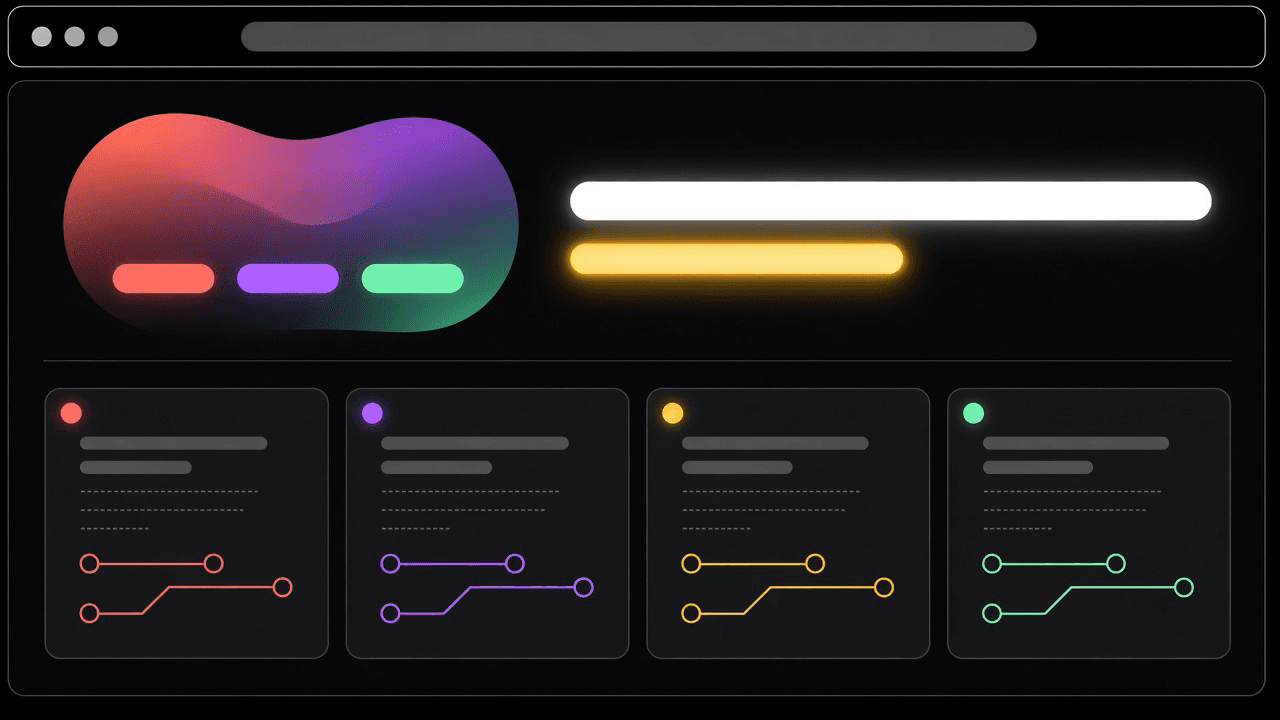
AI tools have changed a lot in the past year. The chat window is still there, but the major AI companies are now shipping agents that do work on their own. They sign into your apps, work through a list of tasks, and remember what they did last time. Grok Bot, from SpaceXAI, is one of the newest, and it’s built specifically for everyday office work.
That’s good news for anyone trying to get more done without adding people or overhead. This guide covers what Grok Bot is good for, how it fits with the other AI tools you might already use, and how to try it on real work without a big commitment.
What SpaceXAI and Grok Bot are
SpaceXAI is the company behind Grok, the AI assistant, and Grok Bot, which launched in August 2026. Grok Bot is built around persistent agents that work inside the apps you already use, keep information from earlier tasks, and share context with each other. In practice, you can set up a bot for a recurring job, like sorting an inbox or keeping a sales database current, and it picks up where it left off each time.
You can also run several bots at once, each with its own job. One might keep the CRM up to date while another prepares a morning summary of what needs attention. Because they can share what they know, the setup starts to feel like a small team rather than a collection of separate tools.
We write about Grok Bot because we use it every day. OperateAgentic and Arcasya are independent, though. We don’t speak for SpaceXAI, and nothing on this site is a partnership with it or an endorsement from it.
How it fits with Claude, ChatGPT, and the rest
You don’t have to give up the tools you already use to get value from Grok Bot. In our experience, it’s strongest as the place where recurring work lives, while other tools handle the parts they’re especially good at. Claude is excellent for long documents, careful writing, and working through complicated material. ChatGPT is a handy all-round assistant for quick questions, drafts, and brainstorming.
These tools also work well together. Our own Grok Bots use Claude for some of their work, and that kind of pairing often does better than any single tool on its own. So the useful question is which tool fits each part of a job, and that answer is worth revisiting every few months, since all of these products keep improving.
Signal and noise
New AI announcements come out every week, and most of them won’t change how you work this month. Before you spend time on a new tool, ask a few questions:
- Will it help with a task I can name right now?
- Can a person check its work before it reaches a customer?
- Does it work with the tools I already use, or does it expect me to replace them?
- Could I stop using it after two weeks without a big cleanup?
If the answers are mostly yes, it’s worth a try. If you can’t answer them yet, it’s probably just news for now. When a headline makes you want to buy something on a Thursday afternoon, reread the adoption guide first.
How to try a new agent
Give Grok Bot, or any new agent, the same kind of trial you’d give a new hire:
- One task, chosen in advance.
- A test run next to the way you do it now.
- A person who reviews what it produces.
- A date when you’ll decide whether to keep it.
- Results you measured yourself, rather than figures from marketing.
You can like a product and still take its ads with a grain of salt. The same rule from our build guides applies here: measure the work you can see.
For the day-to-day details of setting up a bot for a job, read Grok Bot as a desktop teammate. If you already rely on ChatGPT or Claude, adding Grok Bot to the AI tools you already use shows how to bring in an agent without giving up what already works.
Where AgentOS and LaunchpadOS fit
Once a few agents are doing real work, the next challenge is keeping track of them. AgentOS and LaunchpadOS are Arcasya’s names for a system that handles that. It connects tools and agents to your apps, runs an orchestrator that records every step, and puts the results on screens your team already understands, like a job board, a customer record, or a status view. In Arcasya’s words, it’s agents, software, memory, and tools that work with the AI you already use, including Grok, Claude, and ChatGPT.
For a plain-language tour, read LaunchpadOS in plain words. To try the product or see the plans, go to arcasya.ai. If you’d like a second opinion on which tools fit your work, book a Free AI evaluation after you’ve tried an agent on a real task.
Tried this, or doing it differently? Talk about this guide with other members.
Keep going
- Grok Bot as a desktop teammate
How to set up a Grok Bot as the place one workflow lives, with the files it needs, drafts first, careful access, and a person who approves what goes out.
- Adding Grok Bot to the AI tools you already use
Already getting good use out of ChatGPT or Claude? How to bring in Grok Bot for recurring work and let each tool handle the part it does best.
- LaunchpadOS and AgentOS in plain words
What LaunchpadOS and AgentOS do for a small business or growing team, explained without jargon. Tools, an orchestrator, and the screens your team works from.